 DigUp
Ticket trackers and project tools
Export a board to Excel
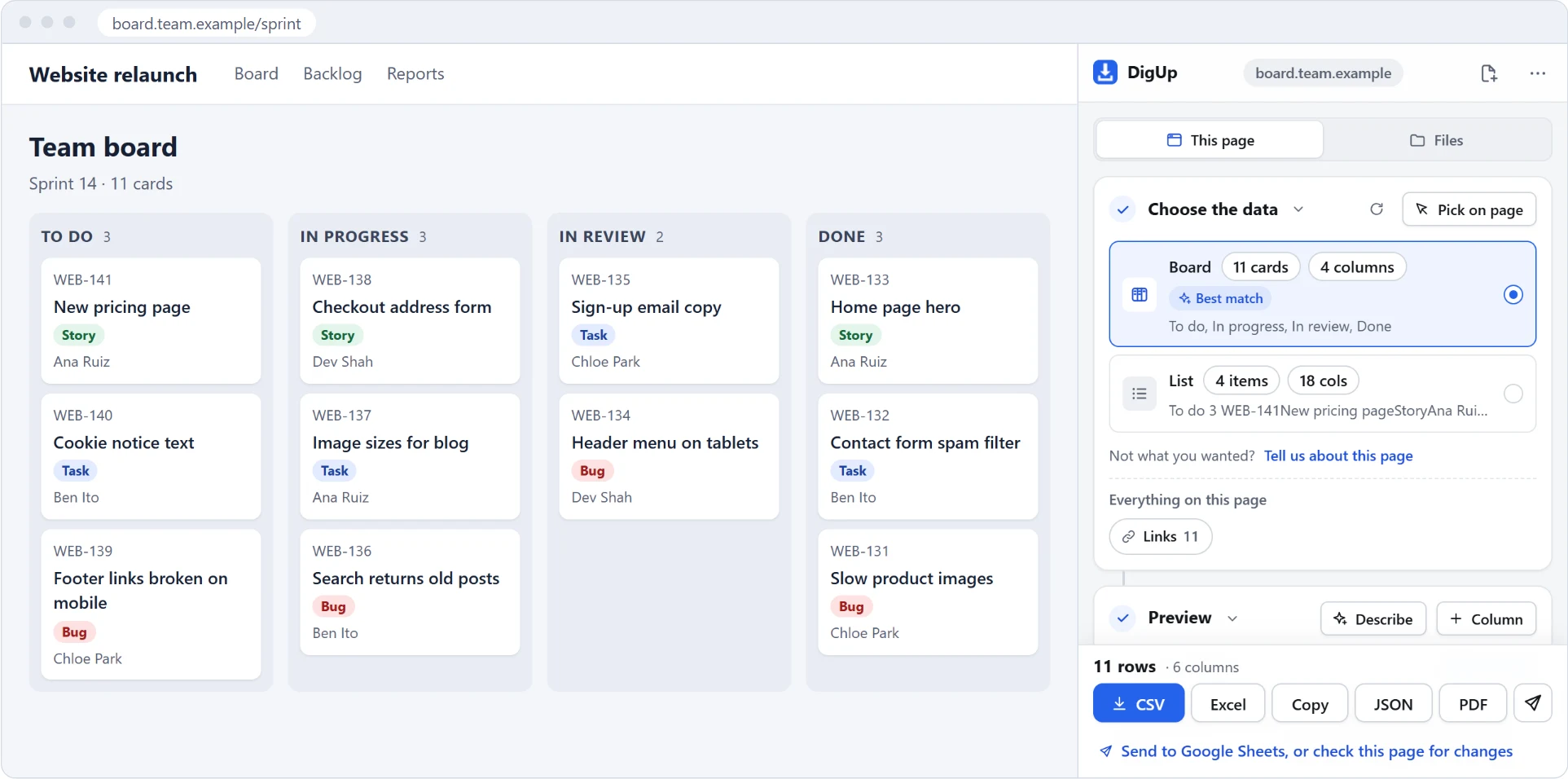
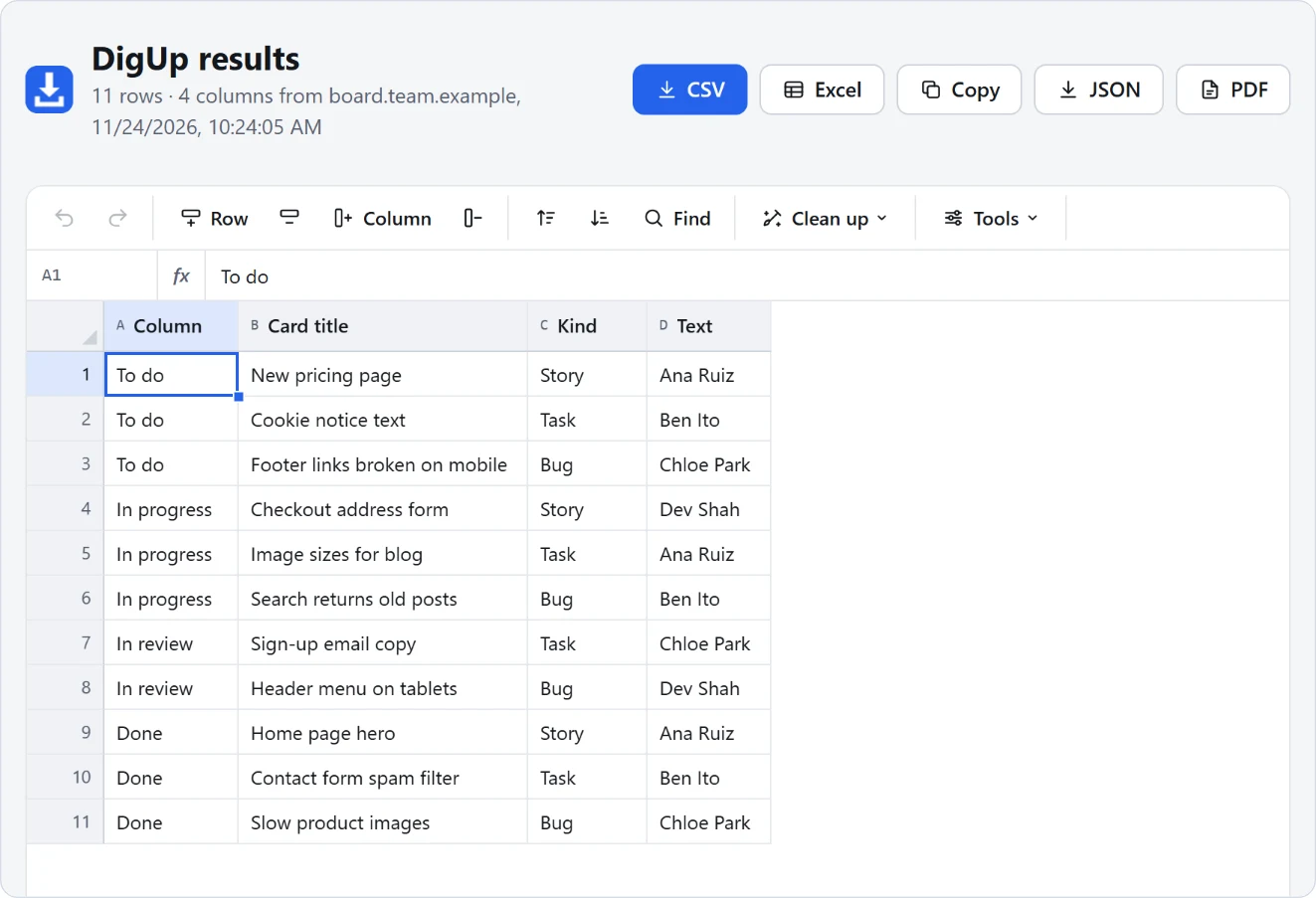
DigUp turns a board of cards into one spreadsheet: a row per card, with the column it sits in. The same way in every tool, including the boards that have no export button. Free, no account.
What you get
How to do it
Three steps, a few seconds.
- Open the boardOpen your board in Chrome and click the DigUp icon, or press Alt+Shift+D.
- Check the columnsDigUp offers the board with its cards and columns. Keep the columns you want.
- Press ExcelYou get an .xlsx file with a row per card. CSV and Google Sheets work too.
Good to know
- DigUp reads the board you have open, with your own sign-in. It never signs in for you.
- Some boards draw only the cards you can see. When DigUp suggests Infinite scroll, turn it on to collect the rest.
- Please respect each website's terms of use.