 DigUp
Dashboards in your work tools
Export dashboard tables to Excel
Every table on a dashboard, named after its box, in one Excel file with a sheet per box. Or just the one table you need. Free, no account.
What you get
How to do it
Three steps, a few seconds.
- Open the dashboardOpen it in Chrome and click the DigUp icon, or press Alt+Shift+D.
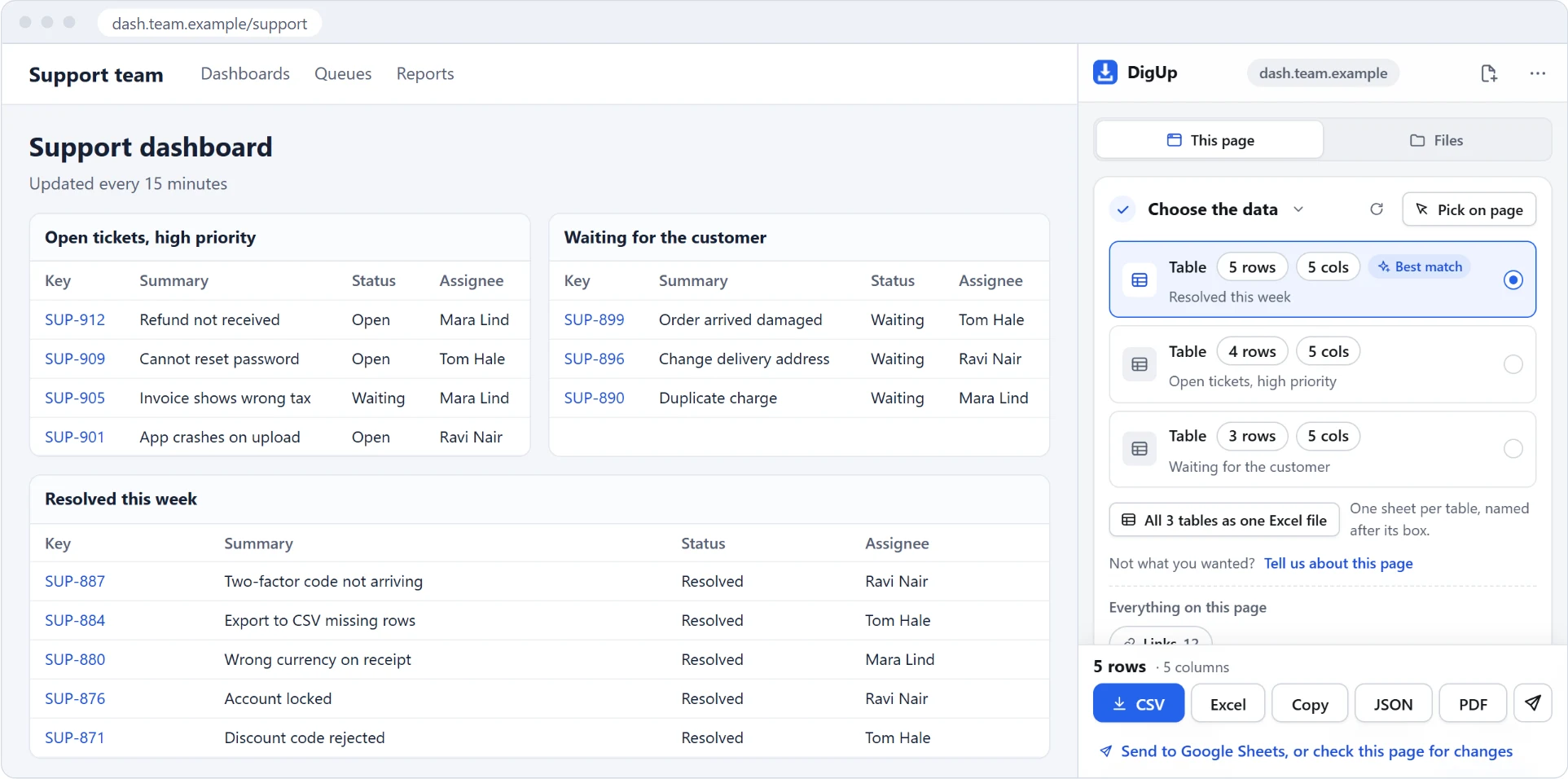
- See every tableDigUp lists each table under the name of its box.
- ExportPress All tables as one Excel file for a sheet per box, or pick one table and export it.
Good to know
- Charts are pictures, not tables: DigUp reads the tables on a dashboard, not the charts.
- Next week, open the same dashboard and press Run again: the same columns in one click.
- Please respect each website's terms of use.