 DigUp
Invoices, statements and reports
PDF table to Excel
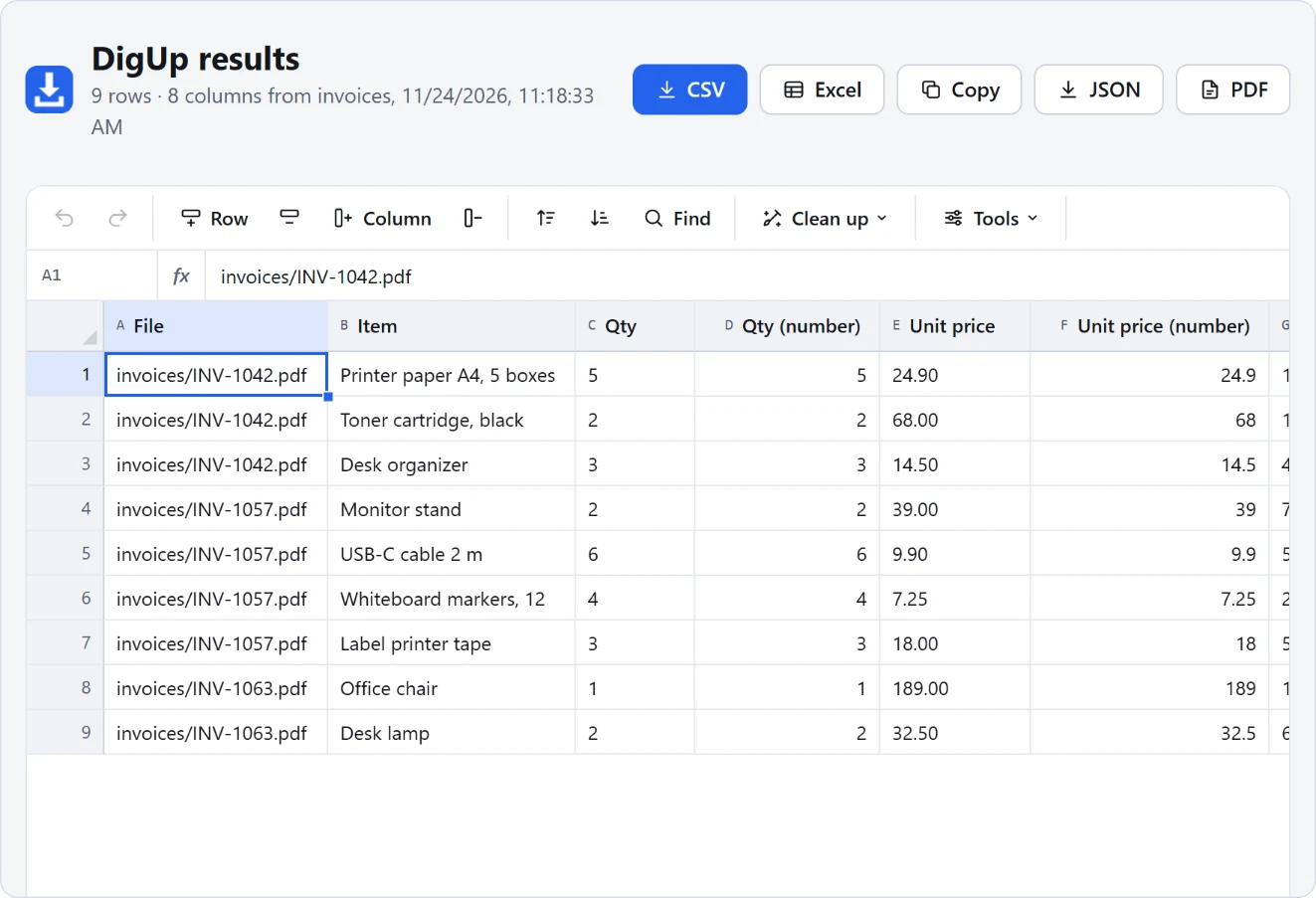
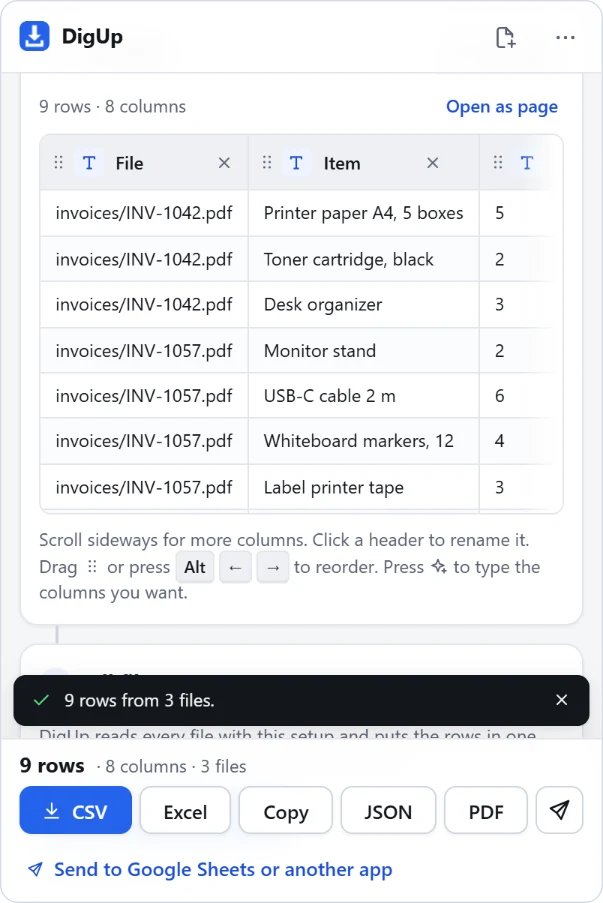
DigUp reads the tables in your PDF files and puts the rows from all of them into one spreadsheet, with the file name on every row. The files are read on your computer and never uploaded.
What you get
How to do it
Three steps, a few seconds.
- Choose the filesClick the DigUp icon, switch to Files, and choose PDF files or a whole folder.
- Check one fileDigUp sets up on the first file and shows its rows. Adjust the columns if you like.
- Read all filesPress Read all files, then Excel. Every row keeps the name of its file.
Good to know
- Scans and photos of text are read with text recognition, also on your computer.
- Word, Excel, CSV and saved web pages work the same way.
- Please respect each website's terms of use.